
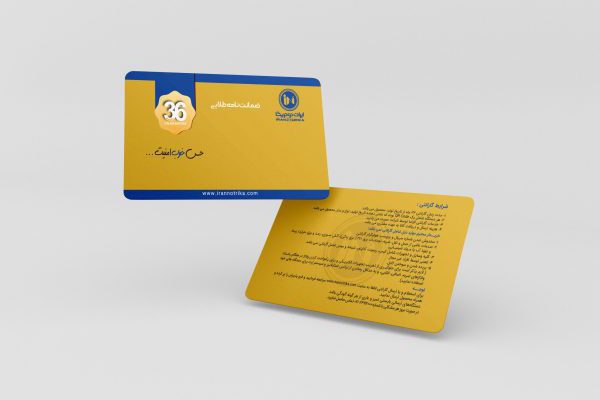
Warranty Active
Warranty & Authenticity Result
The following information was retrieved from the serial lookup service. If the displayed details do not match your product, please contact the seller or Iran Notrika support.
Product name
-
Serial number
-
Warranty expiry date
-
Remaining warranty validity
0 days
This warranty remains active until -.
Invalid or unsuccessful result
Warranty verification could not be completed
The serial number may be invalid, the warranty may not be registered, or the warranty could already be expired. Please review the message below.
Unfortunately, no product was found for the entered serial number.
Authenticity & Warranty Lookup
Enter and Check Warranty Code
To verify your product authenticity and warranty status, enter the serial number manually or scan the QR code printed on the product or warranty card.
Manual serial lookup
Enter the device serial number and instantly view the lookup result.
Suggested format: xxxxxxxx-xxxxxxxx-xxxx
Scan QR Code
Point the camera at the QR code or upload a barcode image.
For best results, keep the QR code in good lighting and hold the camera steady.